
How to insert a SWF file into flipping book?
Q:Hey, I used your flip book maker for several days and now I want to make my flipping book richer with adding beautiful SWF file. So, what should I do?
A: We know if we insert some flash object into flipping book, on one hand, it makes the content of our flipping book abundant; on the other hand, the flipping book seems to be more vivid and real. In addition, you also will be more willing to share or read your flipping book with others. Now just take you a few minutes to insert your flash file into flipping book swiftly.
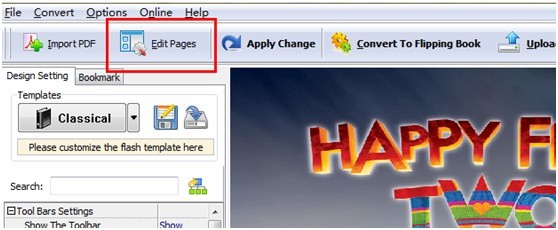
Step1: open flip book maker for PDF pro, import your PDF file first;
Step2: click “Edit Page” on the top left, now we are in Edit page;
Step3: click flash button, then drag out a box in the page you are going to insert SWF file;
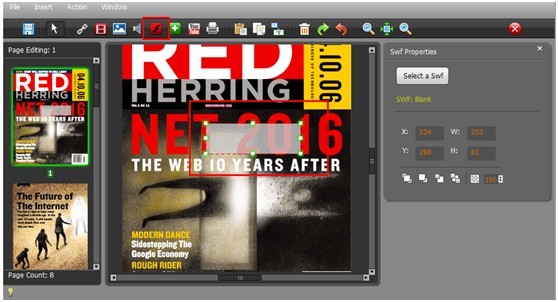
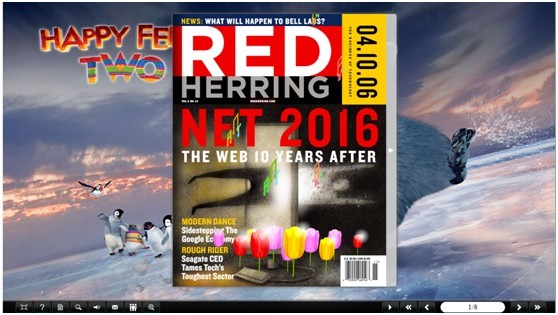
Step4: then just select a SWF from your computer and click save. Just close “Edit Page” and view effect on the main window.
More product information please click here.
Flip Book Maker for PDF Pro Mac